

How to Design a Professional Blog Layout That Actually Gets Results
Step-by-step guide for bloggers in the US, Canada & Europe who want a stunning, high-converting blog — no coding degree required.

You've poured your heart into writing — but if your blog looks like it was designed in 2009, readers are bouncing before they even read a word. I've been building blogs for over a decade, and here's the hard truth: design is trust. The moment someone lands on your page, they make a split-second judgment. A professional blog layout doesn't just look pretty — it keeps readers engaged, builds authority, and ultimately drives income.
Whether you're a food blogger in Chicago, a finance writer in Toronto, or a lifestyle creator in London — this guide walks you through every step of designing a professional blog layout that's SEO-friendly, mobile-optimized, and built to convert. Let's get into it.
Step 1: Understand What a Professional Blog Layout Really Means
A professional blog layout isn't just about colors and fonts. It's a system — a carefully designed structure that guides your reader's eye, communicates credibility, and makes every piece of content easy to consume.
Think about the last time you landed on a blog that instantly felt trustworthy. Chances are, it had a clean header, clear navigation, readable body text, and white space that didn't overwhelm you. That's not an accident — that's intentional design.
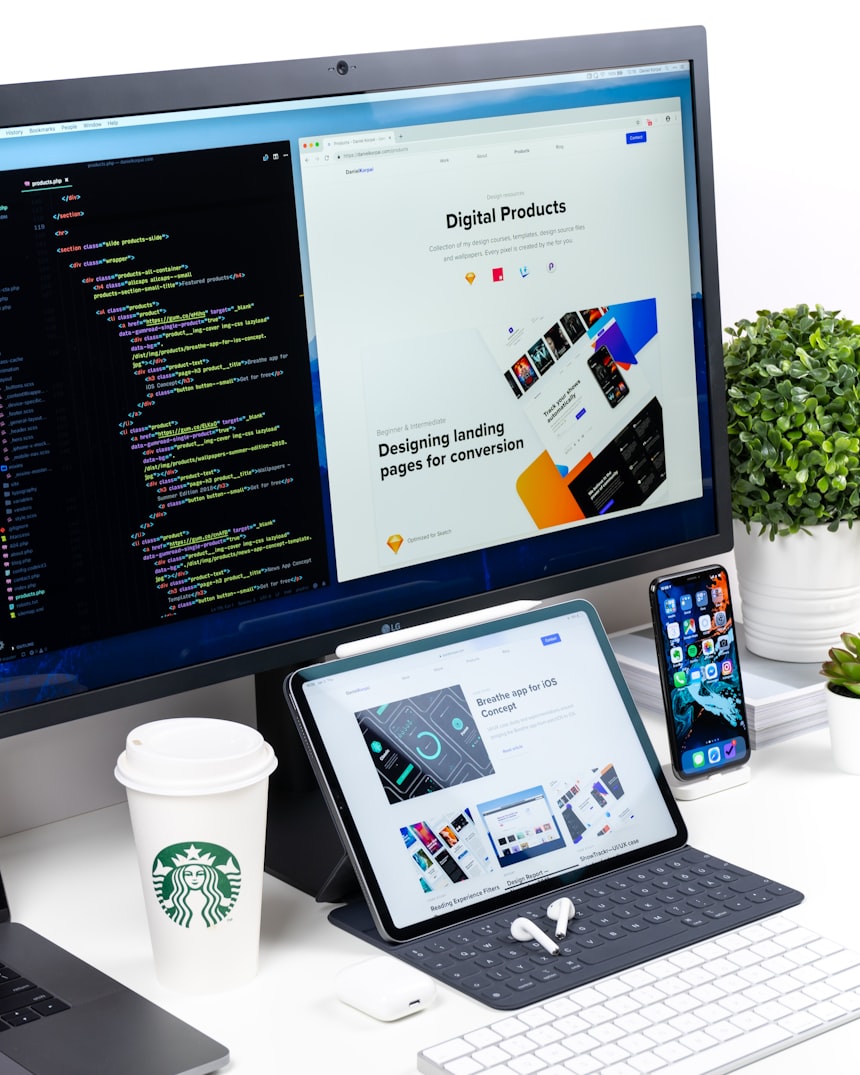
The Core Elements of a Blog Layout
Every strong blog layout contains these foundational building blocks:
Header & Navigation
Your blog's first impression — clean logo, simple menu, optional CTA button.
Hero / Featured Area
The top section of your homepage — showcases your latest or best post.
Content Area
Where your posts live — optimized width, readable fonts, good spacing.
Sidebar (Optional)
Used for related posts, newsletter signup, or ads — keep it uncluttered.
Footer
Links, credits, privacy policy, social icons — builds trust and SEO.
Step 2: Choose the Right Color Palette for Your Blog
Color is one of the most underestimated parts of professional blog design. Your color palette communicates your brand personality before a visitor reads a single sentence. A finance blog should feel different from a travel blog — and your colors do a lot of that heavy lifting.
Recommended Color Palettes by Blog Niche
| Blog Niche | Primary Color | Accent Color | Background |
|---|---|---|---|
| Finance / Business | Navy Blue #1a237e | Gold #f9a825 | White #ffffff |
| Health & Wellness | Sage Green #4caf50 | Warm Beige #f5f5dc | Off-White #fafafa |
| Lifestyle / Fashion | Dusty Rose #e91e63 | Charcoal #333 | Cream #fff8f0 |
| Travel & Adventure | Teal #00796b | Warm Orange #ff6d00 | Light Gray #f5f5f5 |
| Tech / Gaming | Deep Purple #4a148c | Cyan #00e5ff | Dark #121212 |
| Food & Recipes | Tomato Red #c62828 | Sunflower #fdd835 | Warm White #fffde7 |
Step 3: Typography That Readers Actually Love
Here's something most beginner bloggers get wrong: they pick a font because it looks "cool," not because it's readable at scale. After studying thousands of successful blogs — from The Pioneer Woman to NerdWallet — one thing is clear: the most successful blogs use clean, simple typography.
The Golden Rules of Blog Typography
Apply these rules and your content will instantly feel more polished and professional:
Top font combinations used by high-traffic blogs include: Playfair Display + Lato, Merriweather + Open Sans, and Roboto Slab + Roboto. All are available free on Google Fonts.
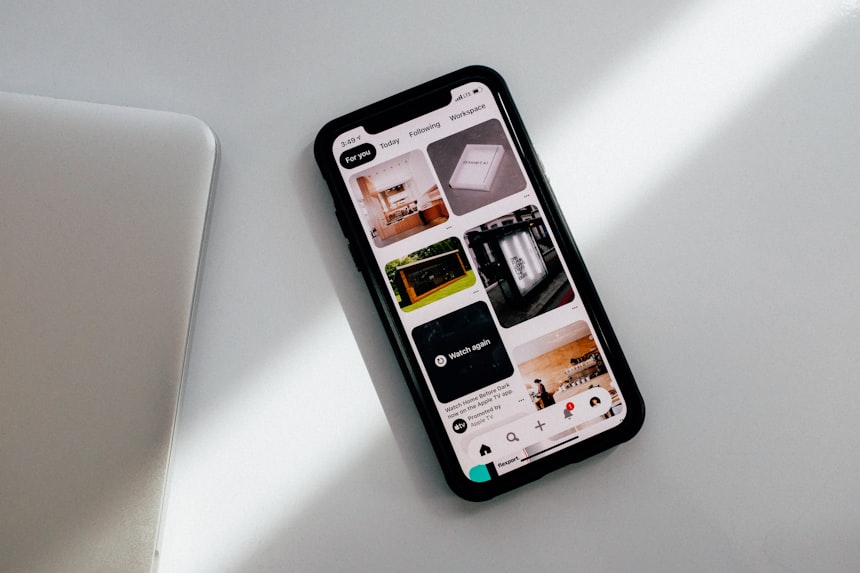
Step 4: Build a Layout Structure That Guides the Reader
The structure of your blog layout is what separates a hobbyist blog from a media-grade publication. Think of your layout like a roadmap — every visual element should guide the reader exactly where you want them to go.
Full-Width vs. Boxed Layout: Which Should You Choose?
✅ Full-Width Layout
- Modern, immersive feel
- Great for image-heavy blogs
- Works well for lifestyle & travel
- Dramatic hero sections
❌ Full-Width Drawbacks
- Text lines can become too long
- Harder to control on all screens
- Can feel "empty" with little content
- Needs skilled design execution
✅ Boxed Layout
- Controlled, clean reading experience
- Great for text-heavy blogs
- Better for SEO readability signals
- Easier to add sidebars
❌ Boxed Layout Drawbacks
- Can feel dated if not designed well
- Less dramatic visual impact
- May feel cramped on wide monitors
- Sidebar can distract readers
Step 5: Structure Your Blog for SEO From Day One
Design and SEO are inseparable in 2025. Google's Helpful Content Guidelines make it clear that user experience signals directly influence rankings. A poorly designed blog — even with great writing — will struggle to climb the SERPs.
SEO-Friendly Design Checklist
Proper Heading Hierarchy
Use H1 once per page, H2 for main sections, H3 for subsections. Never skip levels.
Fast Loading Speed
Compress images, use lazy loading, minimize CSS/JS. Aim for under 2.5s load time.
Mobile-First Design
Google uses mobile-first indexing. Every element must work perfectly on phones.
Clear Internal Linking
Link between your posts using descriptive anchor text — never "click here."
Image Alt Text
Every image needs a descriptive alt tag for accessibility and image search ranking.
Schema Markup
Add Article, FAQ, or HowTo schema to help Google understand your content type.
Step 6: Mobile Optimization Is Non-Negotiable
Over 63% of all web traffic now comes from mobile devices — and that number is even higher among younger audiences in the US, UK, and Canada. If your blog layout breaks on a phone, you're losing more than half your potential readers before they even start.

Mobile Blog Design Rules That Matter Most
Here's what I personally test on every blog I build before publishing:
✔ Tap targets (buttons, links) are at least 44x44px
✔ Images scale with the screen — no horizontal scrolling
✔ Sidebar collapses or disappears on small screens
✔ Navigation becomes a hamburger menu
✔ No pop-ups that cover the full screen on mobile (Google penalizes this)
✔ White space increases on mobile for easier reading
Step 7: Pick the Right Platform for Your Blog Design
The platform you choose determines how much design freedom you have. Let's be real about what each option offers:
| Platform | Design Flexibility | SEO Power | Best For | Cost |
|---|---|---|---|---|
| WordPress.org | ⭐⭐⭐⭐⭐ | ⭐⭐⭐⭐⭐ | Pro bloggers & businesses | $5–$30/mo (hosting) |
| Blogger | ⭐⭐⭐ | ⭐⭐⭐ | Beginners, personal blogs | Free |
| Squarespace | ⭐⭐⭐⭐ | ⭐⭐⭐ | Creatives & portfolio blogs | $16–$49/mo |
| Ghost | ⭐⭐⭐⭐ | ⭐⭐⭐⭐ | Writers & newsletters | $9–$25/mo |
| Webflow | ⭐⭐⭐⭐⭐ | ⭐⭐⭐⭐ | Designers & developers | $14–$39/mo |
Real-World Case Study: From Messy Blog to 150K Monthly Visitors
Sarah, a recipe blogger from Austin, Texas, was getting around 3,000 monthly visitors despite publishing three posts per week. Her content was great — but her blog looked cluttered, her mobile experience was broken, and her page speed was terrible.
After redesigning her blog layout with the principles in this guide — clean typography, proper color contrast, responsive grid, optimized images, and a clear content hierarchy — her traffic grew to over 150,000 monthly visitors within 14 months. She also saw her average session duration increase from 1:12 to 3:45.
10 Power Tips for Designing a Professional Blog Layout
These are the tips I wish someone had given me when I first started blogging. Each one is field-tested and proven to work:
Frequently Asked Questions
Conclusion: Your Design Is Your First Impression — Make It Count
Here's the thing I want you to walk away with: designing a professional blog layout isn't about being a designer. It's about understanding your reader deeply enough to remove every barrier between them and your content.
You've invested hours — maybe years — into the words on your blog. Don't let a cluttered layout, hard-to-read fonts, or a broken mobile experience steal those readers away. A professional design amplifies your writing. It turns visitors into fans, and fans into loyal followers who share your work, subscribe to your list, and come back again and again.
Start with the fundamentals: clean colors, readable typography, mobile-first layout, fast loading, and clear navigation. Then layer on the polish — styled tip boxes, consistent imagery, a well-structured homepage. You don't have to do it all at once. Start today. Improve every week.
Ready to Level Up Your Blog?
Drop your biggest blog design challenge in the comments below — I personally read every single one. And if this guide helped you, share it with a fellow blogger who needs it. 💗
Leave a Comment ↓

.webp)


