
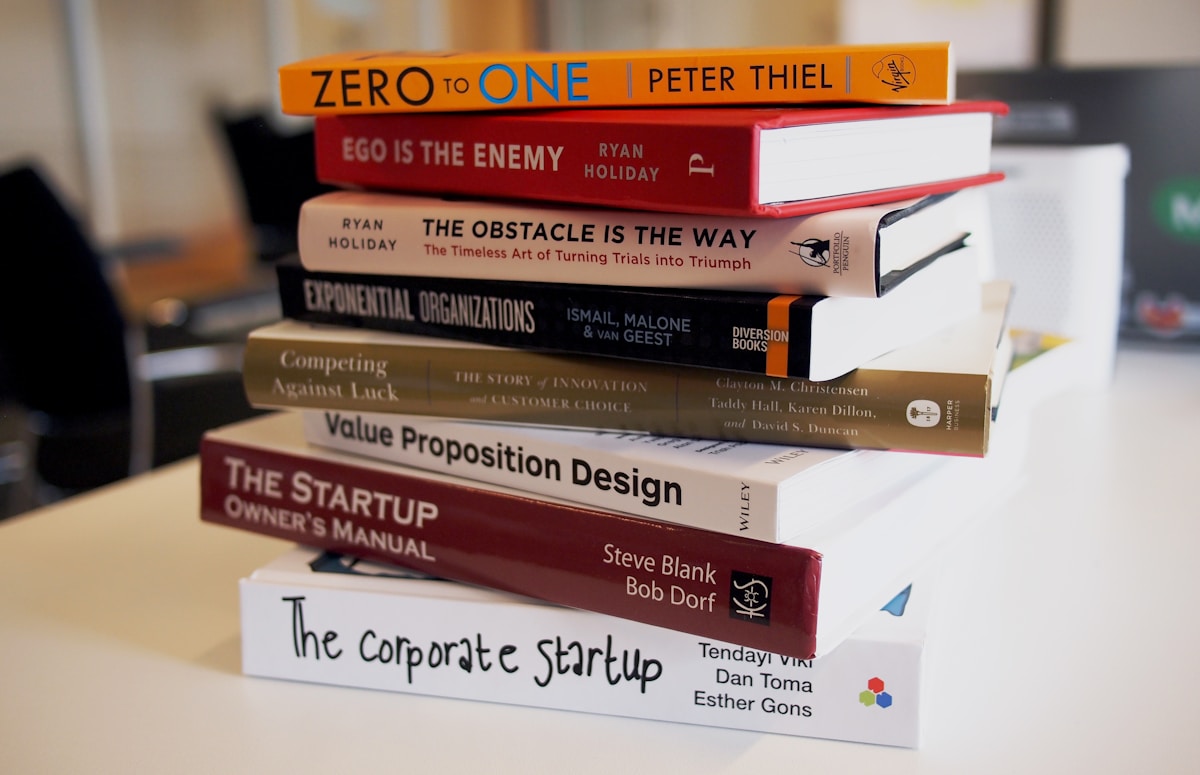
How to Use AI to Design Book Covers for Self-Publishing (KDP)
⚡ Quick Answer
Learn how to use an AI book cover designer for KDP self-publishing—cover dimensions, tool comparisons, genre prompts, and before/after examples.
Get more content like this on Telegram!
Daily AI tips, notes & resources — free
Advertisement
I spent three weeks designing my first KDP book cover the traditional way—hiring a freelancer, waiting on revisions, going back and forth over fonts. It cost $180 and I still wasn't fully happy with it. Then I tried using an AI book cover designer for my second title and had something usable in about two hours. Not perfect, but genuinely competitive with what I'd paid for.
That's the thing nobody tells you when you start self-publishing: the cover is your biggest marketing asset, and it needs to look like it belongs in a bookstore. Not "good for AI." Not "impressive given what it cost." It needs to actually compete with traditionally published books in your genre.
This guide is specifically for authors using Amazon KDP, though most of what's here applies to IngramSpark and Draft2Digital too. I'll walk through the technical requirements, show you which tools actually work for specific genres, and give you prompt templates you can copy and modify for your own projects. If you're also interested in making money from AI art beyond book covers, the stable diffusion income guide covers additional revenue streams worth knowing about.
KDP Cover Dimension Requirements You Must Get Right
Before you touch any AI tool, get the dimensions locked. KDP is specific about this, and submitting the wrong size will cause your cover to be rejected or look distorted on product pages.
For ebooks (Kindle):
- Minimum: 1,000 pixels on the shortest side
- Ideal ratio: 1.6:1 (height to width)
- Recommended: 2,560 x 1,600 pixels
- Format: JPEG or TIFF, under 50 MB
For paperback covers:
- The full cover includes front, spine, and back
- KDP's Cover Calculator gives you the exact PDF template based on your page count and paper type
- Spine width changes based on page count—always regenerate the template if you change your manuscript
- At minimum 300 DPI for print quality
Most AI tools generate square or landscape images by default. You'll need to either set custom dimensions before generating, or upscale and crop strategically afterward. For ebook covers, I always generate at the highest resolution available and then resize in Canva or Adobe Express.
One thing that trips people up: AI-generated faces on covers. KDP doesn't prohibit them, but they need to look human and not distorted. Midjourney handles this much better than most tools right now.
AI Tool Comparison for KDP Book Covers
Here's how the main tools stack up specifically for book cover work. I tested each one across four genres: romance, thriller, fantasy, and non-fiction/self-help.
| Tool | Genre Accuracy | Text Overlay | KDP Ready | Free Tier | Price |
|---|---|---|---|---|---|
| Midjourney | Excellent | No (needs Canva) | After resize | No | $10/mo |
| DALL-E 3 | Good | Basic | After resize | Limited | $20/mo (ChatGPT Plus) |
| Adobe Firefly | Good | Yes (in Express) | Yes | Yes (25 credits) | $9.99/mo |
| Canva AI | Moderate | Yes (built-in) | Yes | Yes | Free/$14.99 Pro |
| Reedsy | Limited | Yes | Yes | Yes | Free |
Midjourney wins on pure image quality—especially for dramatic scenes and portraits. The problem is it has no built-in text tools, so you'll always need a second step in Canva or Photoshop to add your title and author name. For most authors, this is totally worth it.
Adobe Firefly is the most "complete" solution. You generate in Firefly, then bring it into Adobe Express or Photoshop to add text. Since Firefly is trained on licensed Adobe Stock images, you also get cleaner commercial use rights—worth reading about in the Adobe Firefly review if licensing matters to you.
Canva AI is the easiest for beginners. You can generate, add text, and download a KDP-ready file all in one place. The image quality isn't as high as Midjourney, but for non-fiction and self-help covers (which rely more on typography than imagery), it's completely sufficient.
Reedsy's cover designer uses templates rather than AI generation, but it's worth including because it's genuinely KDP-ready out of the box. If you're not confident manipulating image files, Reedsy is the safest option.
Genre-Specific Prompt Templates
The secret to good AI book covers is writing prompts that speak the visual language of your genre. Readers make split-second judgments based on established genre conventions. Break those conventions and your cover signals "amateur."
Romance
Editorial photography of a couple in an intimate embrace, soft golden backlight,
shallow depth of field, cinematic color grading, warm amber and rose tones,
magazine quality, portrait orientation 2:3 ratio, no text
Variations: add "historical setting, Victorian clothing" for historical romance, or "small town, rustic barn" for contemporary rural romance.
Thriller/Suspense
Cinematic movie poster style, dark silhouette of a lone figure walking through
foggy city street at night, dramatic low-key lighting, deep shadows,
teal and orange color grading, noir atmosphere, 2:3 ratio, no text
Fantasy
Epic fantasy book cover illustration, ancient castle on cliff edge at sunset,
dramatic storm clouds, magical glowing runes, painterly style,
rich jewel tones, high contrast, 2:3 portrait ratio, no text
Non-Fiction / Self-Help
For non-fiction, you usually want a clean background with space for large typography. The image itself is secondary to the layout.
Minimalist professional photography, flat lay of [relevant objects],
clean white or gradient background, plenty of negative space for text overlay,
sharp focus, commercial stock photo style, 2:3 ratio
Before and After: Real Example
I worked on a cozy mystery cover for a client. The "before" was a generic Canva template—stock illustration of a teacup, generic serif font, nothing that said "cozy mystery" to genre readers.
For the "after," I used this Midjourney prompt:
Cozy cottage kitchen interior, vintage aesthetic, warm candlelight,
mysterious envelope and magnifying glass on wooden table,
autumn colors, oil painting style with fine detail,
book cover composition with space at top for title, 2:3 ratio
The result needed minor adjustments in Canva—I increased the contrast slightly and added typography using a classic serif font at the top third of the image, following the convention for cozy mystery covers. The final cover looked like something from a mid-tier traditional publisher.
The key difference between these two approaches wasn't just the quality of the image. It was understanding what readers in that specific genre expect to see on a cover.
Workflow: From Prompt to KDP Upload
Here's the step-by-step I use for every cover now:
Step 1: Research your genre. Spend 20 minutes on Amazon looking at bestsellers in your category. Screenshot the ones that appeal to you. Note colors, typography style, imagery type.
Step 2: Generate the base image. Use Midjourney or DALL-E 3 for fiction, Adobe Firefly for non-fiction. Generate at least 6-8 variations before settling.
Step 3: Upscale. Always upscale your chosen image to the maximum resolution before downloading. Midjourney's upscale button, DALL-E's native resolution, or an external tool like Topaz Gigapixel.
Step 4: Add typography in Canva. Import your image, set the canvas to 1,800 x 2,700 px (for a standard 6x9 KDP paperback front cover). Use fonts that match genre conventions. Sans-serif for thrillers, decorative serifs for romance and fantasy.
Step 5: Export and upload. Export as JPEG at maximum quality, then upload directly to KDP. Preview on both the desktop and mobile product page before publishing.
For more on creating compelling AI images from scratch, the AI art beginner guide has solid foundational advice that applies well to book cover work.
Common Mistakes to Avoid
Ignoring genre conventions. This is the biggest one. A beautiful image that doesn't match your genre signals to readers that you don't know the market.
Using low-resolution outputs. KDP will accept lower resolution images but they'll look blurry on large format displays. Always maximize resolution before downloading.
AI text in the image. Never ask AI to generate the title or author name as part of the image. AI typography is still unreliable and often comes out misspelled or distorted. Always add text separately in a design tool.
Forgetting the spine. If you're publishing a paperback, the spine needs its own design treatment. For books under 100 pages, you may not have room for text on the spine at all.
Not checking commercial rights. Some AI tools have restrictions on commercial use. Before uploading to KDP, confirm you have a commercial license. According to Adobe's terms of service, Firefly outputs are safe for commercial use. Midjourney's commercial rights require a paid subscription.
What Does It Cost?
According to a 2024 survey by the Alliance of Independent Authors, the average self-published author spends $300-$1,500 on professional cover design. With AI tools, you can get comparable results for $10-$30 in AI subscriptions plus your time.
The math is pretty clear for high-volume publishers. If you're releasing one book a year, the savings matter less. If you're publishing six or more titles annually, AI cover design can save you thousands of dollars while maintaining competitive quality.
For authors who want to take this further and actually monetize their AI art skills, sell AI art on Etsy shows how the same skills used for book covers can generate additional income streams.
Conclusion
AI book cover design for KDP has moved from a novelty to a legitimate production workflow. The tools are good enough to produce covers that compete in most genres, and the time and cost savings compared to hiring freelancers are substantial.
Start with your genre research before you touch any AI tool. Then pick the right tool for your genre—Midjourney for fiction, Adobe Firefly for non-fiction, Canva for beginners who want everything in one place. Use the prompt templates above as starting points, then iterate.
Your cover is your first impression on every potential reader. With AI tools and the right approach, there's no reason that impression can't be a strong one.
Ready to start? Bookmark the best AI image generators 2026 guide as a reference, and check the prompt engineering guide to sharpen your prompting skills before diving in.
Advertisement
💬 DiscussionPowered by GitHub Discussions
Frequently Asked Questions

AiTechWorlds Team
✓ Verified WriterThe AiTechWorlds team is passionate about AI, technology, and education. We create high-quality, research-backed content to help you learn, grow, and succeed in the modern digital world.
Advertisement
Related Articles

How to Create AI-Generated Album Cover Art (Free Tools 2026)
Learn how to create AI album cover art for free using top tools in 2026. Genre-specific prompts, Spotify specs, and real tool comparisons inside.

5 AI Image Generators Specialized in Anime Style (2026)
Find the best AI anime generator for 2026. Compare NovelAI, Waifu Diffusion, Leonardo, and more with real accuracy tests and free tier details.
How to Generate Architectural Renders With AI (No CAD Required)
Create stunning AI architectural rendering without CAD software in 2026. Compare Midjourney, Veras, and more with real workflow steps and cost breakdowns.
How to Generate AI Art in Different Styles (Cubism, Impressionism, More)
Master AI art style transfer with 15 art movement modifiers for Impressionism, Cubism, Surrealism, and more — with tool comparison and art history context.