
Playground AI Review: Why Designers Love This Free Tool
⚡ Quick Answer
A Playground AI review from a designer who uses it daily. Why this free AI image generator has become a go-to tool for professional designers, and what makes it different from Midjourney and DALL-E 3.
Get more content like this on Telegram!
Daily AI tips, notes & resources — free
Advertisement
Playground AI Review: Why Designers Love This Free Tool
I stumbled on Playground AI when I was looking for an alternative to Midjourney for a client project where I needed to generate 200+ image variations in a day. Midjourney's plan limits made that expensive. A designer in a community I follow mentioned Playground's 500 free daily generations.
That's what initially got me there. What kept me there was the canvas.
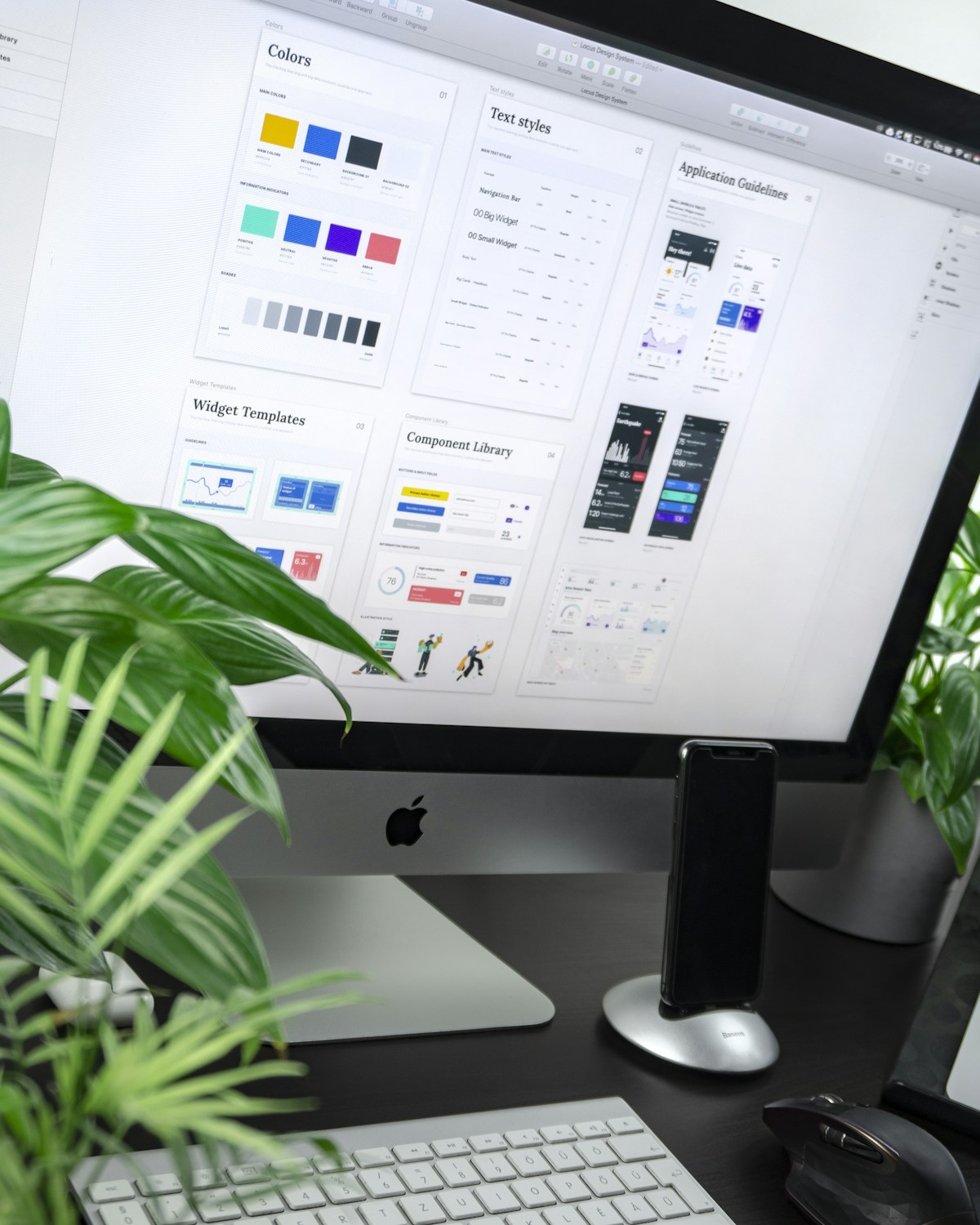
Playground AI's canvas interface — the ability to arrange, layer, move, and compose multiple AI-generated elements in a single workspace — is something no other major free tool offers. It's a different paradigm from the prompt-and-view approach of Midjourney or DALL-E 3.
What Is Playground AI?
Playground AI is a web-based AI image generation platform with two core components:
Image Generation — text-to-image generation powered by SDXL and Playground's own fine-tuned models, with a filter library that applies aesthetic styles to outputs.
Canvas — a design workspace where you can place generated images, combine them, use the image editor, add masks, and compose complete scenes with multiple AI elements.
The combination makes Playground more of a design tool than a pure image generator — closer to a simplified, AI-native Photoshop than to Midjourney or DALL-E 3.
The Canvas: What Makes It Special
Most AI image tools work linearly: enter a prompt → get an image → generate another. Playground's canvas breaks from this.
In the canvas, you can:
- Place multiple generated images in a single workspace and arrange them spatially
- Mask and inpaint specific areas within an image
- Combine elements from different generations into a single scene
- Add text layers and design elements alongside generated images
- Use "paint with AI" — draw rough shapes and have AI fill them in context
Real workflow example: For a client needing a hero image showing a team of diverse professionals in an office environment, I:
- Generated 8 individual character images with consistent lighting
- Generated a background office environment
- Composed the characters onto the background in the canvas
- Used inpainting to blend the transitions
- Adjusted composition and proportions
- Exported as a single image
This workflow would require Photoshop for the compositing step in any other tool. In Playground, it's all in one place.
The Filter Library: Consistent Aesthetic Control
Playground AI's filter system is one of its best features. Rather than describing art styles through long prompts, you select from a library of pre-built style filters that modify your generation.
Filters cover:
- Photography styles (Film Noir, Kodachrome, Polaroid)
- Art movements (Art Nouveau, Baroque, Impressionist)
- Digital art styles (Concept Art, Anime, 3D Render)
- Contemporary aesthetics (Neon, Cyberpunk, Cozy)
- Illustration styles (Watercolor, Woodblock, Linocut)
The filters dramatically reduce prompting complexity. Instead of writing "in the style of a 1970s Kodachrome photograph with warm color grading, film grain, slightly faded tones," you select the "Kodachrome" filter and add it to any prompt.
For designers who work across multiple client aesthetics, filters make style-switching instant.
Playground AI vs. Midjourney vs. DALL-E 3
| Feature | Playground AI | Midjourney v6 | DALL-E 3 (Bing) |
|---|---|---|---|
| Free tier | 500 generations/day | No | Yes (limited boosts) |
| Canvas/composition workspace | Yes | No | No |
| Filter library | Excellent | Limited | No |
| Image quality (standalone) | Very good | Excellent | Very good |
| Style consistency | Good | Excellent (--sref) | Good |
| Photorealism | Good | Excellent | Very good |
| Text in images | Basic | Improving | Good |
| Learning curve | Low-medium | Medium | Low |
| Best use case | Design composition, high-volume exploration | Artistic/photorealistic output | Accessible image generation |
Image Quality: Honest Assessment
Playground AI's image quality is genuinely good — significantly better than the typical free tool and competitive with mid-tier paid alternatives. It's not at Midjourney v6's level for photorealism or artistic quality.
My honest comparison after using both:
Midjourney v6 wins on: Photorealistic images, complex scenes with multiple light sources, fine detail in faces and materials, overall aesthetic coherence.
Playground AI wins on: Canvas composition, style variety via filters, high-volume generation economics, workflow flexibility.
For professional work where output quality is the primary variable and budget isn't a constraint, Midjourney is the better tool. For work involving composition, exploration, or high-volume generation, Playground AI provides competitive quality with significant workflow advantages.
The Free Tier: Is It Actually Usable?
500 generations per day on the free tier is exceptional generosity. Most competitors offer 20–50 free generations per day.
The practical implication: you can explore, experiment, iterate, and produce genuine work without hitting a limit. Most professional designers don't need more than 500 generations per day even in active production use.
Free tier limitations:
- Access to base SDXL and a subset of filters
- Slower generation during peak hours
- Some advanced features locked to Pro
For most designers, the free tier is genuinely sufficient for personal projects and exploration. The $15/month Pro plan makes sense for studio production use.
Getting Started With Playground AI
- Go to playground.ai and create a free account
- Start with the image generation tab — enter a prompt and try different filters
- Open a canvas project and generate 3–4 images you like
- Try arranging them in the canvas to compose a scene
- Use the inpainting brush to blend elements or modify specific areas
- Explore the filter library — apply 5–6 different filters to the same prompt to see the range
The canvas workflow takes 20–30 minutes to feel natural. Once you're comfortable with it, the speed advantage over single-image tools is significant.
Further Reading
- How to Generate Product Photos for Shopify Using AI (2026)
- How to Turn QR Codes Into Art Using Free AI Tools (2026)
- 7 Prompts for Beautiful Steampunk AI Art (Copy-Paste Ready)
- Free AI Tools to Convert Text to Vector Graphics and SVG (2026)
- How to Colorize Black and White Photos Using AI (Free Tools)
- How to Use AI to Write Job Descriptions That Attract Top Talent
- 10 AI Writing Assistants for Non-Native English Speakers (2026)
- 7 Hidden ChatGPT Features You Probably Are Not Using
Advertisement
💬 DiscussionPowered by GitHub Discussions
Frequently Asked Questions

AiTechWorlds Team
✓ Verified WriterThe AiTechWorlds team is passionate about AI, technology, and education. We create high-quality, research-backed content to help you learn, grow, and succeed in the modern digital world.
Advertisement
Related Articles

How to Create AI-Generated Album Cover Art (Free Tools 2026)
Learn how to create AI album cover art for free using top tools in 2026. Genre-specific prompts, Spotify specs, and real tool comparisons inside.

5 AI Image Generators Specialized in Anime Style (2026)
Find the best AI anime generator for 2026. Compare NovelAI, Waifu Diffusion, Leonardo, and more with real accuracy tests and free tier details.
How to Generate Architectural Renders With AI (No CAD Required)
Create stunning AI architectural rendering without CAD software in 2026. Compare Midjourney, Veras, and more with real workflow steps and cost breakdowns.
How to Generate AI Art in Different Styles (Cubism, Impressionism, More)
Master AI art style transfer with 15 art movement modifiers for Impressionism, Cubism, Surrealism, and more — with tool comparison and art history context.