

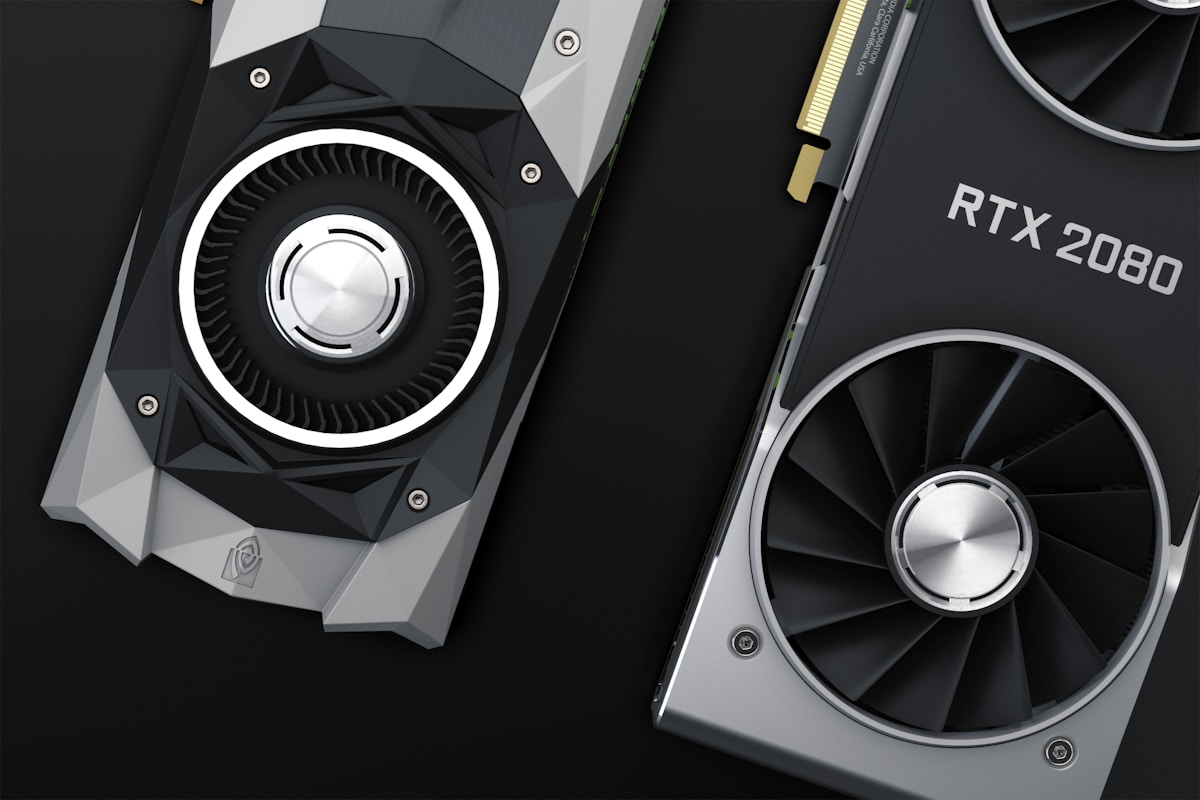
Open Source AI Tools You Can Self-Host for Free
⚡ Quick Answer
Open source AI tools you can self-host for free — local LLMs, image generation, transcription and orchestration — with realistic hardware notes.
Get more content like this on Telegram!
Daily AI tips, notes & resources — free
Advertisement
Open Source AI Tools You Can Self-Host for Free
Self-hosting trades convenience for privacy, control and zero per-message cost. These open source tools run on your own hardware — a laptop, a home server, or a rented box you control — with no vendor deciding what changes tomorrow.
Updated for 2026. Free-tier details change — verify before relying on any tool for critical work.
Why Self-Host at All
The obvious question is why anyone would set up their own infrastructure when a hosted AI product is one browser tab away. The answer has three parts, and understanding them helps you decide whether self-hosting is actually the right move for you rather than a hobby project that costs more time than it saves.
Privacy. A self-hosted model never sends your prompts, documents, or generated output to a third-party server. For anyone working with confidential client material, internal codebases, medical or legal information, or anything covered by a non-disclosure agreement, this is not a nice-to-have — it can be the deciding factor over whether AI assistance is usable for that work at all.
Cost at volume. A hosted subscription charges per user or per usage tier regardless of how much you actually use it in a given month. A self-hosted model has a fixed hardware and electricity cost that does not scale with usage the same way, which matters if you or your team run a genuinely high volume of requests.
Control. A hosted product can change its terms, deprecate a model version, or shut down a feature with a notice period measured in weeks. A self-hosted open source tool keeps running exactly as configured until you decide to change it, which is the subject covered in more depth in the free AI tools that quietly died.
None of this means self-hosting is automatically the right choice. It trades convenience and someone else's maintenance burden for your own setup time and ongoing responsibility. The rest of this article assumes you have weighed that tradeoff and want to know which tools to actually use.
Local Language Models
Ollama — a command-line tool for downloading and running open-weight language models locally, with a simple local API that other applications can call. Best for: developers who want a scriptable local model backend. Status: active, fully free, open source.
LM Studio — a desktop application with a graphical interface for browsing, downloading and chatting with open-weight models entirely offline. Best for: non-technical users who want a private local chatbot with no command line. Status: active, free for personal use.
Hugging Face — not a single tool but the central hub hosting the open-weight models themselves (Llama, Mistral, Qwen and hundreds of others), plus transformers and other libraries used to run them. Best for: finding and downloading the models that Ollama and LM Studio actually run. Status: active, fully free hub, some models require accepting a license.
text-generation-webui — a more advanced, configurable web interface for running local language models, popular with users who want fine-grained control over sampling parameters and model loaders. Best for: power users tuning generation settings precisely. Status: active, free, open source.
Image and Media Generation
Stable Diffusion — an open-weight image generation model family that can run entirely locally, with an ecosystem of interfaces (Automatic1111, ComfyUI) built around it. Best for: unlimited local image generation once set up, with no per-image cost. Status: active, free, open source; requires a capable GPU for reasonable speed.
ComfyUI — a node-based visual interface for building and running Stable Diffusion pipelines, giving precise control over each step of image generation. Best for: users who want repeatable, complex generation workflows rather than a single prompt box. Status: active, free, open source.
Whisper — OpenAI's open-weight speech-to-text model, runnable entirely offline for transcription with no audio ever leaving your machine. Best for: private transcription of sensitive audio or large volumes without per-minute API cost. Status: active, free, open source (open-weight model; usable via the paid API too, but the model itself is downloadable and self-hostable).
Orchestration and Application Layers
n8n — a self-hostable workflow automation tool with AI-node support, letting you build automations that call local or hosted models as one step in a larger pipeline. Best for: connecting a local model into a real automation, not just chatting with it. Status: active, free self-hosted tier; hosted version is paid.
LangChain / LlamaIndex — open source frameworks for building applications on top of language models, including retrieval pipelines over your own documents. Best for: developers building a custom application rather than using an off-the-shelf chat interface. Status: active, free, open source libraries.
Open WebUI — a self-hosted, ChatGPT-style web interface that sits in front of Ollama (or other backends), giving a familiar chat UI for locally-run models across a household or small team. Best for: giving non-technical users in your household or team a familiar chat interface backed by a model you control. Status: active, free, open source.
Comparison Table
| Tool | Category | Free tier | Best for | Hardware need |
|---|---|---|---|---|
| Ollama | Local LLM runtime | Fully free | Scriptable local model backend | CPU works, GPU faster |
| LM Studio | Local LLM runtime | Free for personal use | Beginner-friendly local chat | CPU works, GPU faster |
| Hugging Face | Model hub | Fully free hub | Finding open-weight models | Depends on model chosen |
| Stable Diffusion | Image generation | Fully free | Unlimited local image generation | GPU strongly recommended |
| Whisper | Speech-to-text | Fully free (open weight) | Private offline transcription | CPU works, GPU faster |
| n8n | Automation | Free self-hosted | AI-powered workflow automation | Modest server/VM |
| Open WebUI | Chat interface | Fully free | Shared chat UI for a local model | Runs on same host as Ollama |
A Realistic First Setup, Step by Step
Rather than describing the whole ecosystem in the abstract, here is what a genuinely realistic first weekend of self-hosting looks like for someone starting from a normal laptop with no dedicated GPU.
Step one — install Ollama or LM Studio. Pick LM Studio if you want a graphical interface with zero command-line steps, or Ollama if you are comfortable with a terminal and want something scriptable later. Both install in a few minutes like any normal application.
Step two — download a small model first. Resist the urge to grab the largest model available. A model in the 3 to 8 billion parameter range will run at a usable speed on CPU alone and lets you evaluate whether local models meet your needs before committing to anything larger or more hardware-demanding.
Step three — use it for a real task, not a toy question. Ask it to summarize an actual document you are working with, draft an actual email, or help debug actual code. Toy questions like "write me a poem" tell you almost nothing useful about whether the tool fits your real workflow.
Step four — decide if speed is actually a problem. If CPU-only generation feels too slow for how you want to use it, that is the point where a GPU upgrade or a larger, faster model becomes worth considering — not before.
Step five — only then add complexity. Once a basic local chat setup earns its place in your routine, consider Open WebUI for a nicer shared interface, or Stable Diffusion if image generation is a genuine recurring need. Adding every tool in this article in one sitting is the most common way people abandon self-hosting within a week.
Hardware Reality Check
A common source of frustration with self-hosting AI tools is mismatched expectations about hardware. Here is a rough, honest guide to what different setups can realistically handle.
| Setup | What it handles well | What it struggles with |
|---|---|---|
| Laptop CPU, no dedicated GPU | Small local chat models (3-8B), Whisper transcription | Image generation, large models, real-time speed |
| Consumer GPU, 8-12GB VRAM | Mid-size chat models, Stable Diffusion at moderate resolution | The largest open-weight models, very high-resolution image batches |
| Consumer GPU, 16-24GB VRAM | Larger chat models, Stable Diffusion comfortably, light fine-tuning experiments | The absolute largest frontier-scale open models |
| Dedicated home server / rented GPU box | Continuous availability, multiple concurrent users via Open WebUI | Ongoing cost if rented; electricity cost if owned |
If you do not know which row describes your situation, start in the first row regardless of what hardware you actually own — confirming a small model meets your needs before investing in anything else avoids a wasted GPU purchase.
How to Actually Use This List
Start with the single easiest win: LM Studio or Ollama on your existing laptop. Do not buy hardware before confirming the slower local speed is actually acceptable for your use case.
If privacy is the driving reason, layer up deliberately: a local model via Ollama, a private chat interface via Open WebUI, and if you need image generation, Stable Diffusion through ComfyUI once you have confirmed your GPU can handle it. Building the whole stack in one weekend is a common way to give up — add one piece, use it for a week, then add the next.
Treat self-hosting as a skill investment as much as a cost decision. The first setup takes real time; every subsequent model swap or update takes minutes once you understand the pieces.
For teams rather than individuals, consider whether one shared server running Open WebUI in front of Ollama makes more sense than everyone maintaining their own local install — it centralizes the maintenance burden onto one machine and gives everyone a consistent, familiar chat interface without needing their own capable hardware.
The Five Mistakes
1. Buying a GPU before testing on CPU. Many use cases are perfectly usable at CPU speed for occasional use. Confirm you actually need the speed before spending money.
2. Exposing a self-hosted tool to the open internet without securing it. A local model server left open on a public IP with no authentication is a real security incident waiting to happen, not a hypothetical one.
3. Ignoring the electricity cost of running a model continuously. A dedicated always-on machine has a real ongoing power draw. Do the math before assuming self-hosting beats a subscription for heavy use.
4. Skipping model licenses. Not every open-weight model is free for commercial use — read the specific license on Hugging Face before deploying one in a product.
5. Never updating the software. Self-hosted tools do not patch themselves. An outdated, internet-facing self-hosted AI stack is a maintenance liability you have taken on personally.
When Self-Hosting Is Not the Right Answer
Self-hosting is not always the correct choice, and it is worth being honest about when a hosted subscription is simply the better option. If your usage is occasional rather than constant, the setup and maintenance time of a self-hosted stack likely costs more than a modest monthly subscription would. If you need the absolute best available model quality for demanding reasoning tasks, the largest hosted commercial models still generally hold an edge over what you can realistically run on consumer hardware at home. If you need a tool to work reliably without any of your own attention — no updates to apply, no server to keep running — a hosted product removes that burden entirely, at the cost of a subscription fee and less privacy control.
The strongest case for self-hosting is a genuine, recurring need combined with either a strong privacy requirement or high enough usage volume that the fixed cost of your own hardware clearly beats an ongoing subscription. If neither of those applies cleanly to your situation, it is worth being honest that self-hosting may be more of an interesting project than a practical necessity — which is a perfectly fine reason to do it, as long as you go in with that expectation rather than assuming it will obviously save money or time from day one.
A reasonable middle path many people land on is hybrid: self-host for the tasks where privacy or volume genuinely matters, and keep a hosted subscription for the occasional task that needs the strongest available model. This avoids forcing a single all-or-nothing decision and lets each tool do the job it is actually best suited for.
Maintenance Is the Part People Underestimate
The setup weekend gets most of the attention in articles like this one, but the ongoing maintenance is what actually determines whether a self-hosted stack survives past month two. Models get updated regularly, and newer versions of Ollama, LM Studio, and Stable Diffusion's interfaces ship improvements worth pulling in periodically. Security patches matter more than they might seem to for a tool running on your own network, especially if any part of it is reachable from outside your home network.
Budget a small, recurring amount of time — even fifteen minutes every few weeks — for checking whether your tools have updates available and applying them. Treat it the same way you would treat keeping your phone's operating system current: not exciting, but the alternative is accumulating risk quietly until something breaks or is exploited.
🔗 Read next: AI tools that are actually worth paying for, or go back to the pillar — the complete free AI tools collection.
Advertisement
💬 DiscussionPowered by GitHub Discussions
Frequently Asked Questions
AI & Software Engineering Editorial Team
The AiTechWorlds editorial team writes and reviews in-depth guides on artificial intelligence, machine learning, prompt engineering, programming, and developer tools. Every article is fact-checked against primary sources and kept up to date for working developers and CS students.
Not sure yet? Ask AI about this article
Get an instant, unbiased AI summary of “Open Source AI Tools You Can Self-Host for Free”.
Advertisement
Related Articles
10 AI Automation Ideas That Save 20+ Hours a Week
Ten practical AI automation ideas with before-and-after time estimates and the exact tools — Zapier, Make.com, ChatGPT, Otter.ai — that implement each one.

The AI Tool Comparison Table: 60 Tools, One Page
An AI tools comparison across 60 tools in six categories — writing, image, video, code, chat/research and audio — with free tier quality and best use.

AI Tools by Profession: Teachers, Nurses, Lawyers, Accountants, Realtors
AI tools by profession for teachers, nurses, lawyers, accountants and realtors, with clear notes on where confidentiality and judgment still apply.

Best AI Tools for Designers and Video Creators
The best AI tools for designers and video creators in 2026 — image generation, editing, mockups and video, grouped by task with free-tier notes.