








































What can AI do in video production?
AI tools now handle nearly every stage. Text-to-video models generate short clips from a prompt. Avatar platforms turn a script into a realistic presenter. Voice tools produce natural narration in many voices and languages. Auto-editors cut footage, remove silences, and reframe for vertical formats, while caption tools generate accurate subtitles. Together they collapse a multi-person workflow into a solo one.
Which AI video tool should you use?
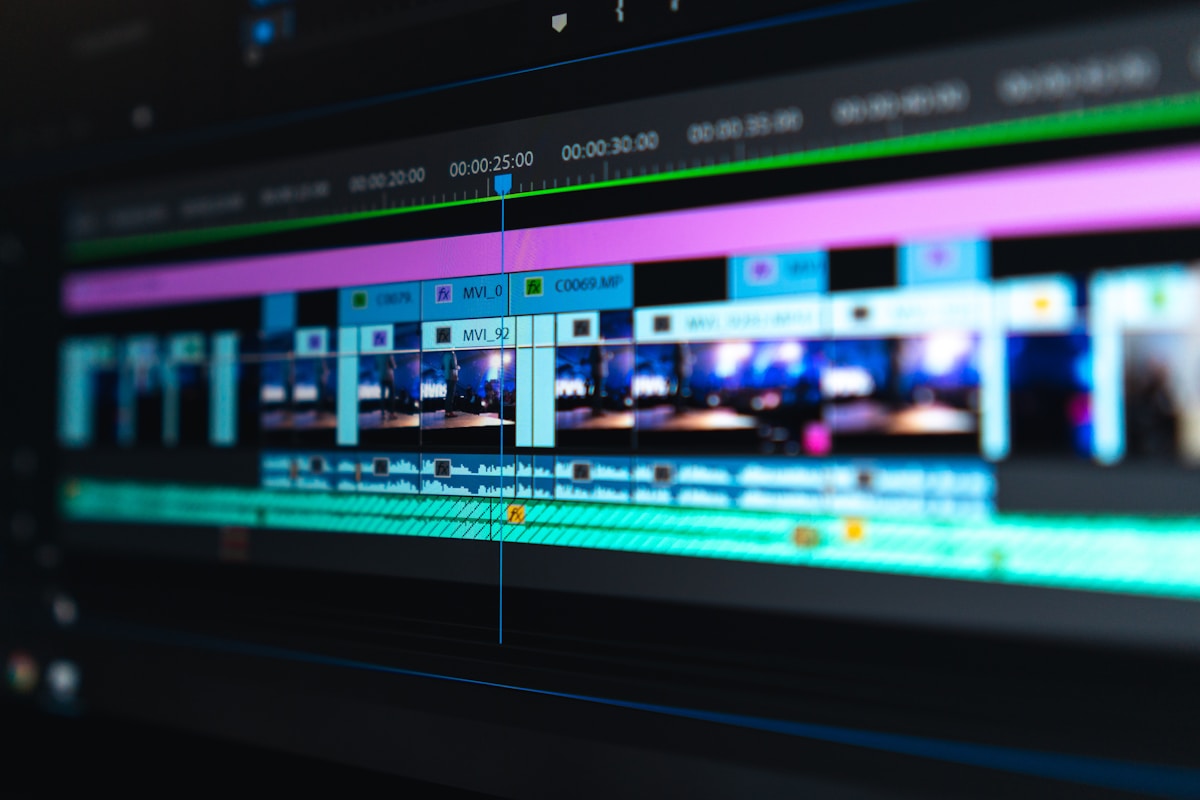
Pick by format. For short, stylized or b-roll clips, text-to-video generators work well. For explainers and talking-head content, avatar tools with voiceover are faster than filming. For editing real footage, AI editors that cut, caption, and repurpose long videos into shorts save the most time. The guides here match tools to YouTube, marketing, and tutorial use cases.
How do you make a faceless video with AI?
Write or generate a script, produce narration with an AI voice, pair it with text-to-video clips or stock footage, then assemble and caption it in an AI editor. This pipeline powers faceless YouTube channels and social content without a camera or studio — the script and pacing do the heavy lifting, so invest your effort there.
What are the limits of AI video today?
Quality varies: long, perfectly coherent generated video is still hard, lip-sync and fine motion can falter, and free tiers add watermarks or length caps. AI also won’t supply a compelling idea or narrative. Use it to accelerate production, but keep human control over the script, structure, and final edit.
How should you start?
Choose one format — a short explainer or a faceless clip — and run it through a single tool end to end. Learn its strengths and limits, then add specialized tools (better voice, dedicated editor) as your workflow matures. Starting narrow beats trying to master every tool at once.